
Wir unterstützen Sie im IT-Bereich
Als IT-Generalist umfasst unser breites Portfolio:
- IT-Support, Office-Unterstützung, IT-Security und Datenbanken.
- Wir entwickeln Websites, WordPress-Plugins und bieten Hosting sowie sichere Web-Mail-Dienste.
- Wir bieten Webaccessibility-Tests und die Umsetzung von barrierefreien Web-Projekten.
- Wir setzen ihre individuellen Anforderungen in maßgeschneiderte IT-Lösungen um.
DI Gerhard Müller & Mag. Marion Kanduth



IT-Support
Wir bieten eine umfassende IT-Beratung, um all Ihren Anforderungen an die IT-Infrastruktur gerecht zu werden. Dabei stehen die individuellen Ansprüche unserer Kunden im Mittelpunkt unserer Arbeit. Wir beginnen mit einer Workflow-Analyse und einer gründlichen Analyse der EDV-relevanten Geschäftsprozesse. Auf dieser Basis erstellen wir Pflichtenhefte und beraten Sie bei der Beschaffung von Hard- und Software, um eine effektive und effiziente IT-Infrastruktur aufzubauen.
Wir bieten Planung, Installation, Wartung und Support von EDV-Systemen speziell für KMUs an. Dabei legen wir besonderen Fokus auf die Ausfallsicherheit und Zuverlässigkeit Ihrer EDV-Infrastruktur, um sicherzustellen, dass Ihre Büroabläufe reibungslos funktionieren. Unser Ziel ist es, Ihnen eine hohe Verfügbarkeit Ihrer EDV-Systeme zu gewährleisten und Sie bei etwaigen Problemen schnell und zuverlässig zu unterstützen.
Wir geben telefonisch, per Mail, per Fernwartung oder persönlich Support.
Entwicklung
Maßgeschneiderte Lösungen
- Datenbanken
- Plugins, Tools, Apps
- Erweiterungen
Beratung
IT- und Security Beratung
- Beratung zu Ihrer kompletten IT-Infrastruktur
- Beratung zu IT-Security
Support
Online und Telefonisch
- Wir unterstützen Sie telefonisch, per Mail
- Per Fernwartung oder persönlich
Anwendungen
Wir entwickeln Datenbanken, Plugins, Tools und Apps, die Ihnen dabei helfen, Ihre Büroarbeit zu vereinfachen. Insbesondere Datenbankanwendungen können die Verwaltung von betrieblichen Abläufen deutlich erleichtern und eignen sich auch für kleine Unternehmen. Wir bieten individuelle Datenbanklösungen an, die genau auf Ihre Bedürfnisse zugeschnitten sind. Selbstverständlich können die Datenbanken jederzeit an veränderte Anforderungen angepasst oder erweitert werden.
Ob Sie eine Datenbank für die Verwaltung von Produkten, Kunden oder Inventar benötigen, oder eine umfassende Auftragsverwaltung mit einer benutzerfreundlichen grafischen Benutzeroberfläche, automatisierter Angebots- und Rechnungslegung sowie Serienbrieffunktion wünschen, wir entwickeln eine maßgeschneiderte Datenbanklösung für Sie.
Entwicklung – Beratung – Support
Maßgeschneiderte Lösungen für Sie
Managed WordPress Hosting
- Einrichtung Ihres Webservers, einschließlich individueller Konfigurationen
- Datenübernahme von Ihrer alten Website oder Ihrem Webhosting-Anbieter
- Regelmäßige Sicherheits- und Funktionsupdates für Ihr System
- Einrichtung eines kostenlosen Let’s Encrypt SSL-Zertifikats für Ihre Domain, um eine sichere Verbindung zu gewährleisten
- Tägliche Backups, um Ihre Daten zu sichern und wiederherzustellen, falls erforderlich
- 24/7-Überwachung Ihrer Webdienste, um sicherzustellen, dass Ihre Website jederzeit verfügbar ist
- Maßnahmen zur Cybersicherheit, um Ihre Website vor Angriffen und Bedrohungen zu schützen.
Unser Service beinhaltet regelmäßige Updates der von Ihnen verwendeten WordPress-Plugins, Support für Ihre User-Accounts sowie Zugriffsstatistiken. Wir sorgen für eine sichere Konfiguration Ihres Webservers und ermöglichen den Betrieb Ihres DNS. Unsere Netzwerkverfügbarkeit beträgt im Jahresmittel 99,9%, um Ihnen eine zuverlässige und stabile Online-Präsenz zu gewährleisten.
Falls Sie Interesse an unserem Angebot haben oder weitere Fragen, kontaktieren Sie uns bitte hier.
WordPress
- Wir entwickeln eine Vielzahl von Webprojekten, von kleinen Landingpages bis hin zu großen Portalen und Webshops. Dabei achten wir darauf, dass alle unsere Websites responsive gestaltet sind.
- Wir arbeiten mit Ihrem bestehenden Design oder beziehen professionelle Webdesigner in den Prozess mit ein, um eine Website zu erstellen, die Ihren Anforderungen entspricht.
- Wir sorgen dafür, dass Ihre Website barrierefrei ist und für alle Benutzer zugänglich ist.
- Für Ihre Website bieten wir die Integration von Statistik-Tools an, um wichtige Daten zu sammeln und zu analysieren, während wir uns strikt an die Datenschutzgrundverordnung (DSGVO) halten.
- Darüber hinaus entwickeln wir auf Anfrage zusätzliche Tools, um Ihre Website an Ihre spezifischen Anforderungen anzupassen.
Egal ob Sie eine Website, einen Blog oder einen Online-Shop benötigen – das weltweit beliebte Redaktionssystem WordPress bietet vielfältige Einsatzmöglichkeiten. Aufgrund seiner enormen Verbreitung gibt es tausende von Erweiterungen, um eine Lösung für jede Anforderung zu bieten. Wir bieten nicht nur individuell programmierte WordPress-Zusatz-Tools, Plugins oder Module an, sondern auch professionellen WordPress-Support.
Barrierefreiheit
„Unentbehrlich für einige, nützlich für alle“
Barrierefreiheit
Weshalb sollten Unternehmen ihre digitalen Angebote barrierefrei einrichten?
- Mehr Menschen können die Informationen und Angebote nutzen.
- Das Unternehmen zeigt soziale Verantwortung und reduziert das Risiko eines Imagesschadens oder rechtliche Risiken
- Es stärkt die Teilnahme von behinderten Mitarbeitern
- Die Usability der digitalen Angebote ist besser
- Es dient der Suchmaschinen-Optimierung.
Viele Menschen benötigen digitale Barrierefreiheit, alle profitieren davon.
Wir gestalten für Sie barrierefreie Auftritte oder barrierefreie Dokumente. Gerne überarbeiten wir Ihre Website entsprechend.
Ein Einblick in unsere Arbeit
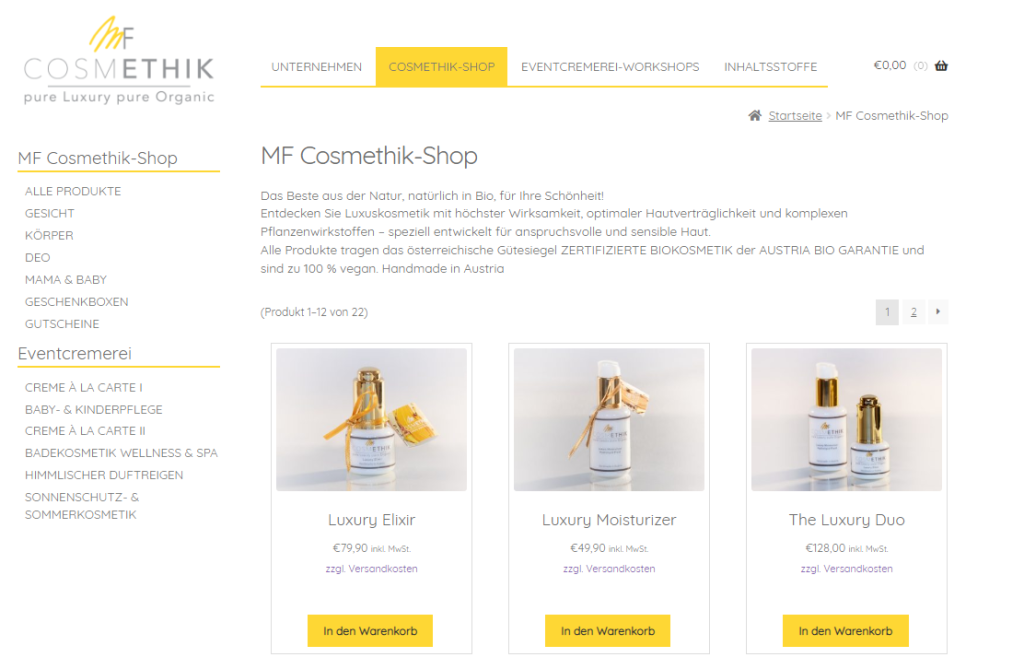
Der Webshop auf WordPress-Basis, der mit Storefront und Woo-Commerce erstellt wurde, bietet eine benutzerfreundliche und leistungsstarke E-Commerce-Plattform. Von der Bestellverwaltung bis hin zu sicheren Zahlungs- und Versandoptionen – alles ist dabei.
Zum Projekt „Cosmethik“ (öffnet in neuem Tab)
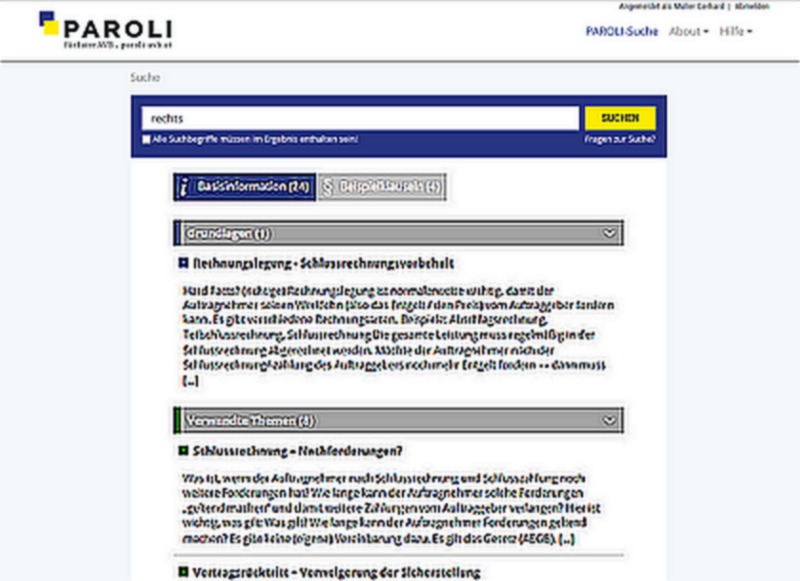
Online-Suchmaschine auf WordPress-Basis bietet Unternehmen eine effektive Möglichkeit, Vertragsklauseln schnell und einfach zu prüfen. Mit benutzerfreundlicher Oberfläche und intuitiven Funktionen kann nach bestimmten Klauseln gesucht werden und die Ergebnisse werden nach Relevanz sortiert. Die Suchmaschine nutzt eine umfangreiche Datenbank und bietet schnelle und genaue Ergebnisse.
Zur Webseite „Paroli“ (öffnet in neuem Tab)
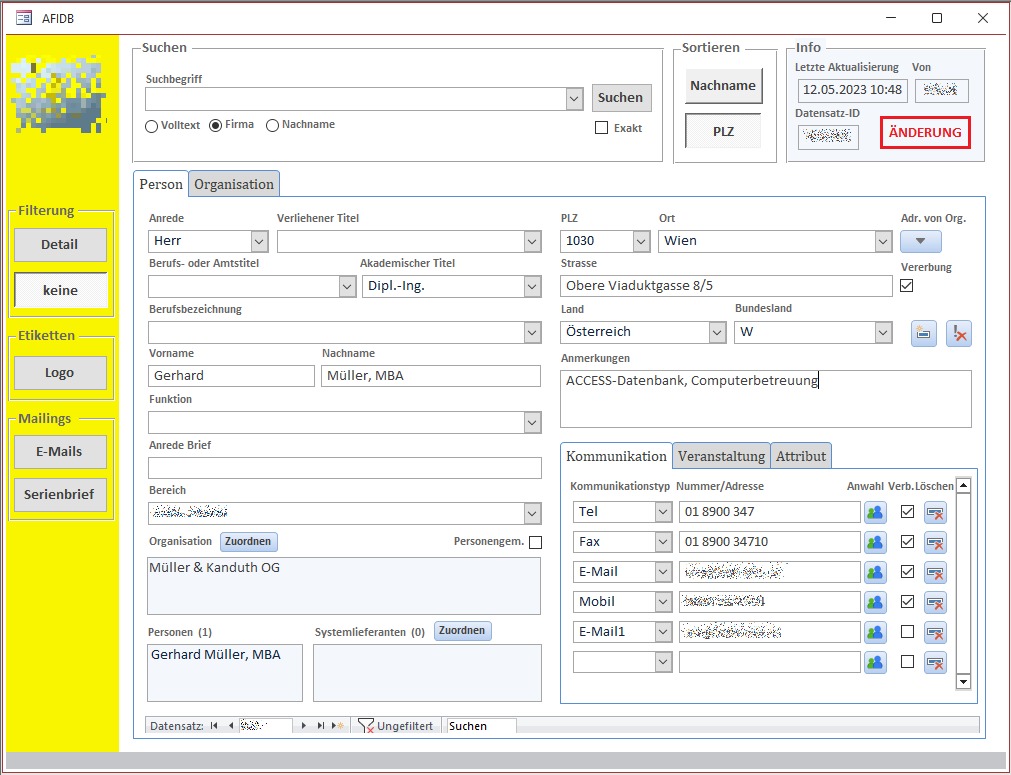
Datenbanklösung mit Access-Frontend und MS Word und Outlook Anbindung für die Verwaltung und Analyse von Daten. Die nahtlose Integration in MS Word und Outlook ermöglicht es, Daten schnell und einfach zu erfassen und zu bearbeiten, sowie E-Mails und Termine direkt aus der Datenbank heraus zu verwalten. Benutzerfreundliche Formulare und Berichte bieten einen klaren Überblick über Informationen.
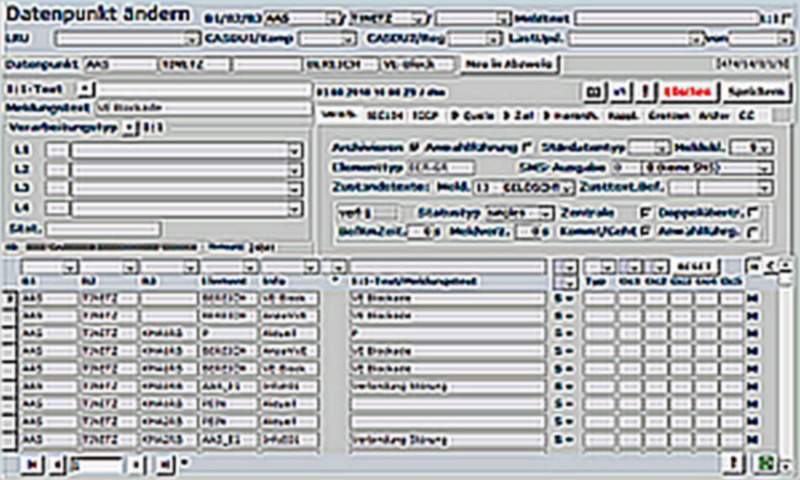
Datenbanklösung mit MS-Access-Frontend. Komplexe Messdatenerfassung für ein Industrieunternehmen in der E-Wirtschaft. Schnittstellen für den Import und Export der Daten. Die Datenbank ist für 100 Anwender gestaltet.
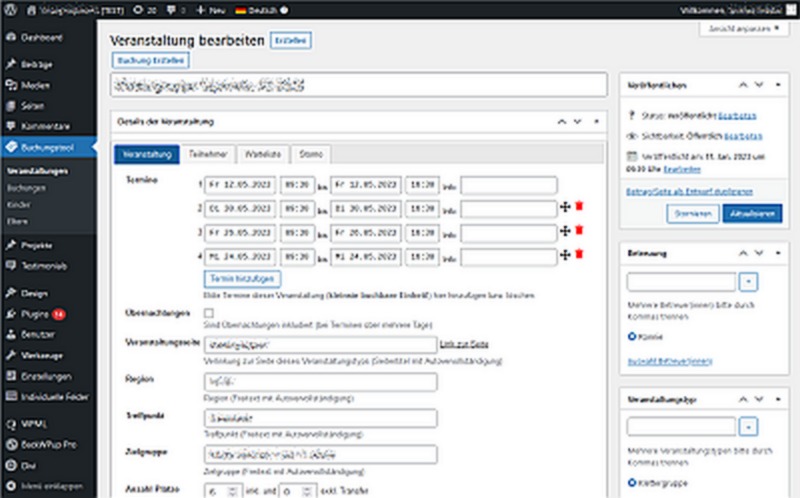
Ein speziell programmiertes Buchungstool für eine WordPress-Plattform. Das Buchungstool bietet eine einfache Verwaltung von Terminen und Buchungen, das alle Schritte von der Buchung bis hin zur Rechnungslegung erledigt.
Dipl.-Ing. Gerhard Müller ist Certified WebAccessibility Expert.